Shortcuts
The fastest ways to point, edit, diff, and ship with Voila.
Press ⌘⇧E to pick anything, type / to switch skills, and open the diff when you’re ready to ship.
Start here
Four moves cover most days.
Learn these first. Everything else builds on them.
Open the picker and select any element on the page.
When Voila grabs the whole card but you want the button inside.
Select multiple elements and restyle them together.
Inspect, edit inline, responsive, tokens, or a task.
Reference
All shortcuts.
Grouped by what you’re doing on the page.
Start the picker from anywhere on the page. Ctrl+Shift+E on Windows.
 Space Jam


 spacejam.com/1996/


Click any element to attach it to your ask. The picker closes with it selected.
Use it when Voila keeps selecting the whole card but you want the link, label, icon, or text inside.
Perfect when you want to update several buttons, cards, labels, or sections in one pass. Shift-click a selected one to drop it.
Done pointing? Enter confirms the current selection.
Esc cancels the picker. Once something is selected, Esc clears the selection, same as the chip’s ✕.
Open Voila with a fresh chat, cursor already in the composer.
Enter sends. Shift+Enter makes a line break.
Every conversation is saved. Jump back into a past chat from the chats button.
Type / to switch modes fast: inspect styles, edit text inline, check responsive states, extract tokens, or create a task.
Ask in any language and the answers follow: French, English, Japanese, whatever you think in.
In any value field (inspect or tokens), arrows step by 1. Hold Shift to step by 10.
Drag horizontally on a numeric field to scrub it like a slider. Shift makes it coarse.
Pick the Edit inline skill, then type straight into the page. Enter or Esc locks it in.
The amber dot next to an edited property or token switches that single change off and back on.
Toggle all visual changes on and off to compare the original page with your edits.
On the gradient bar: click to add a stop, drag to move it, double-click a handle to remove it.
Preview the page at phone, tablet, and desktop sizes without leaving the tab.
 OGimage.galleryogimage.gallery
 OGimage.gallery
Search…
OGimage.gallery
Search…


 Internets™️ Gashapon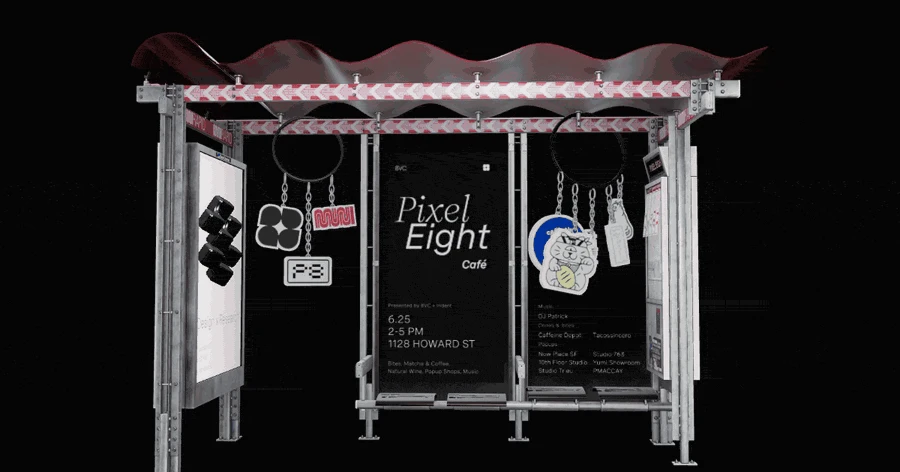

 8VC
8VC
 ElevenLabs
 Cash App
 Dirt
Dirt
 Lassie
 Opal Electronics
 Shader Development Studio
 Locomotive
Click the counters in the diff bar to review every change as a diff panel before you ship or hand it off.
Drag the widget anywhere. Drag it to a screen edge and it docks as a sidebar, and the page reflows beside it.
OGimage.galleryogimage.galleryTurn approved tweaks into a pull request when your workspace is connected. Enterprise only.
Copy the CSS, the selector, or a paste-ready prompt from any reply.
Every reply carries an undo. Reset all changes clears the whole page in one go.
Download a clean screenshot of the page. No widget in frame, just the result.
Shoot the page before and after your edits, kept as one reply. Hover the preview to flip between them.
BeforeAfterLong-press the theme icon
Voila takes a tiny vacation to Mac OS X
Recipes
Common moves.
Chain the basics into everyday flows.
Try them live.
Install Voila and press ⌘ ⇧ E on any page.
 Start for free